Voice.
When thoughts move faster than your fingers.
Speak, type, or send from wherever you are.
CursorFlow keeps your work moving.
At your desk.
Away from it.
Around people.
On your own.
One workflow. Your way.
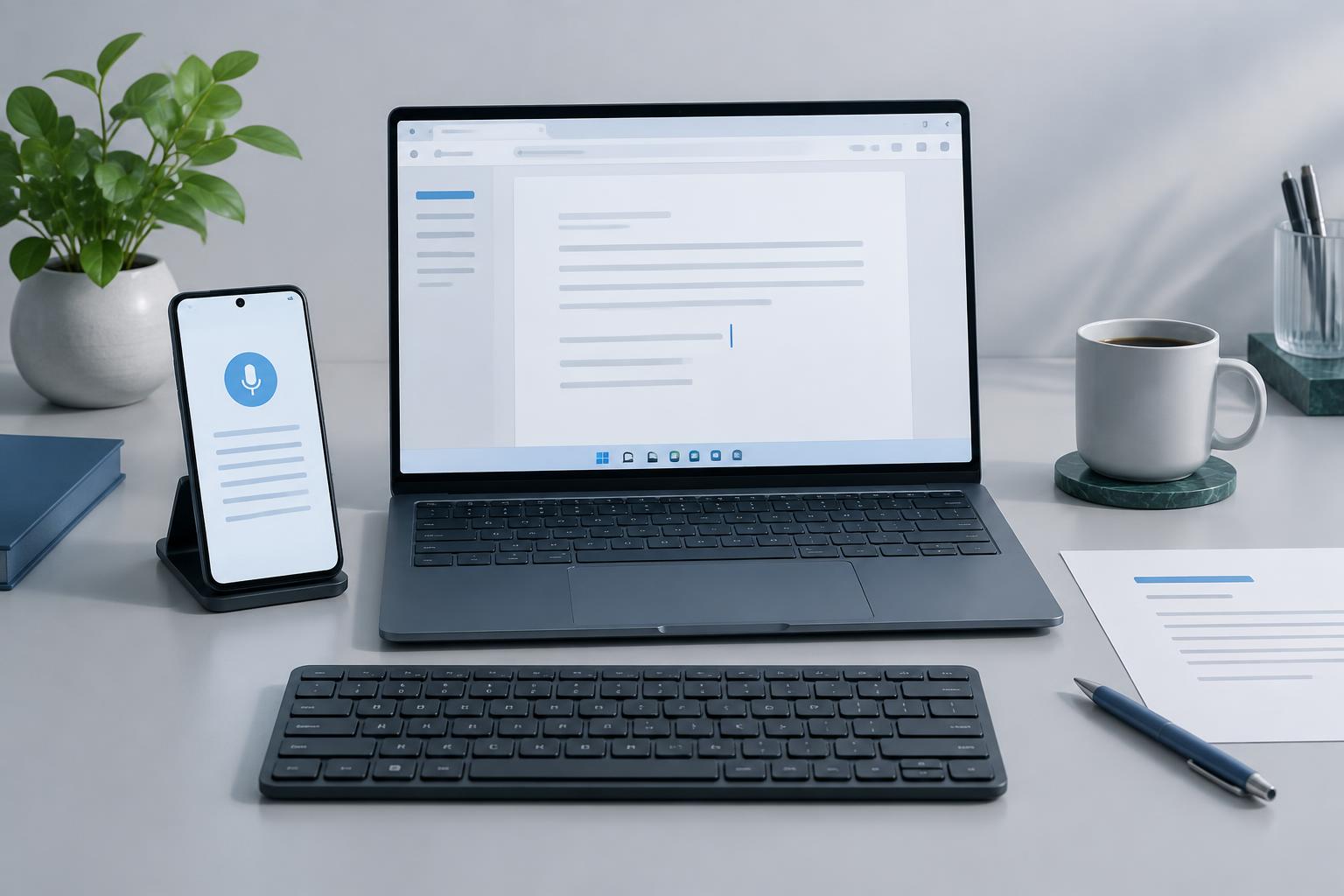
When thoughts move faster than your fingers.
When your PC is not within reach.
When quiet works better.
When your work needs more than words.
Designed to help you get accurate answers, spark creativity, and streamline your daily conversations effortlessly.
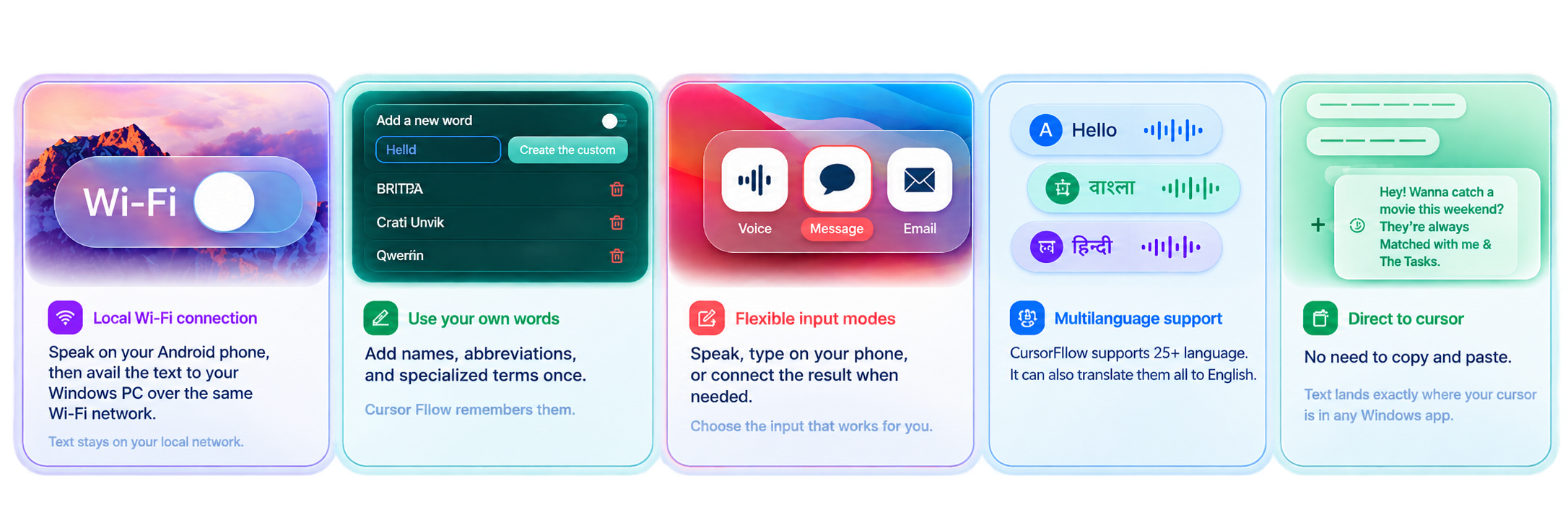
Keep your phone and Windows PC connected while you work.
Choose the input that fits the moment, then refine before you send.
Move text, images, and files between your phone and PC.
Use local Wi-Fi when it works, with an internet connection as an alternative.
A clean, modern interface that keeps you focused and in control.
Your data stays yours, with local encryption and no training on your information.
Speak naturally in 25+ languages. CursorFlow detects the language, transcribes your words, and helps move them to the active cursor.The voice platform supports Speech-to-Text with auto-language detection, real-time translation, and live speech-to-speech processing within <600ms Time-to-First-Audio for cross-lingual conversations.
Choose a language naturally. CursorFlow keeps your words moving to the active cursor.
 ArabicarSTT + TTS + Translate
 CzechcsSTT + TTS + Translate
 DanishdaSTT + TTS + Translate
 DutchnlSTT + TTS + Translate
 EnglishenSTT + TTS + Translate
 FilipinofilSTT + TTS + Translate
 FrenchfrSTT + TTS + Translate
 GermandeSTT + TTS + Translate
 HindihiSTT + TTS + Translate
 IndonesianidSTT + TTS + Translate
 ItalianitSTT + TTS + Translate
 JapanesejaSTT + TTS + Translate
 KoreankoSTT + TTS + Translate
 MacedonianmkSTT + TTS + Translate
 MalaymsSTT + TTS + Translate
 Persian / FarsifaSTT + TTS + Translate
 PolishplSTT + TTS + Translate
 PortugueseptSTT + TTS + Translate
 RomanianroSTT + TTS + Translate
 RussianruSTT + TTS + Translate
 SpanishesSTT + TTS + Translate
 SwedishsvSTT + TTS + Translate
 ThaithSTT + TTS + Translate
 TurkishtrSTT + TTS + Translate
 VietnameseviSTT + TTS + Translate
20 languages include native TTS support. The remaining 5 use TTS fallback or auto mode.
Keeps your final wording when you correct yourself.
Clears unnecessary repeated words from speech.
Removes common fillers such as “um” and “uh”.
Turns spoken lists and steps into clean text.
Your work is on your PC. Your best input is not always there. Sometimes you can speak. Sometimes you cannot. CursorFlow gives you one workflow for all of it.
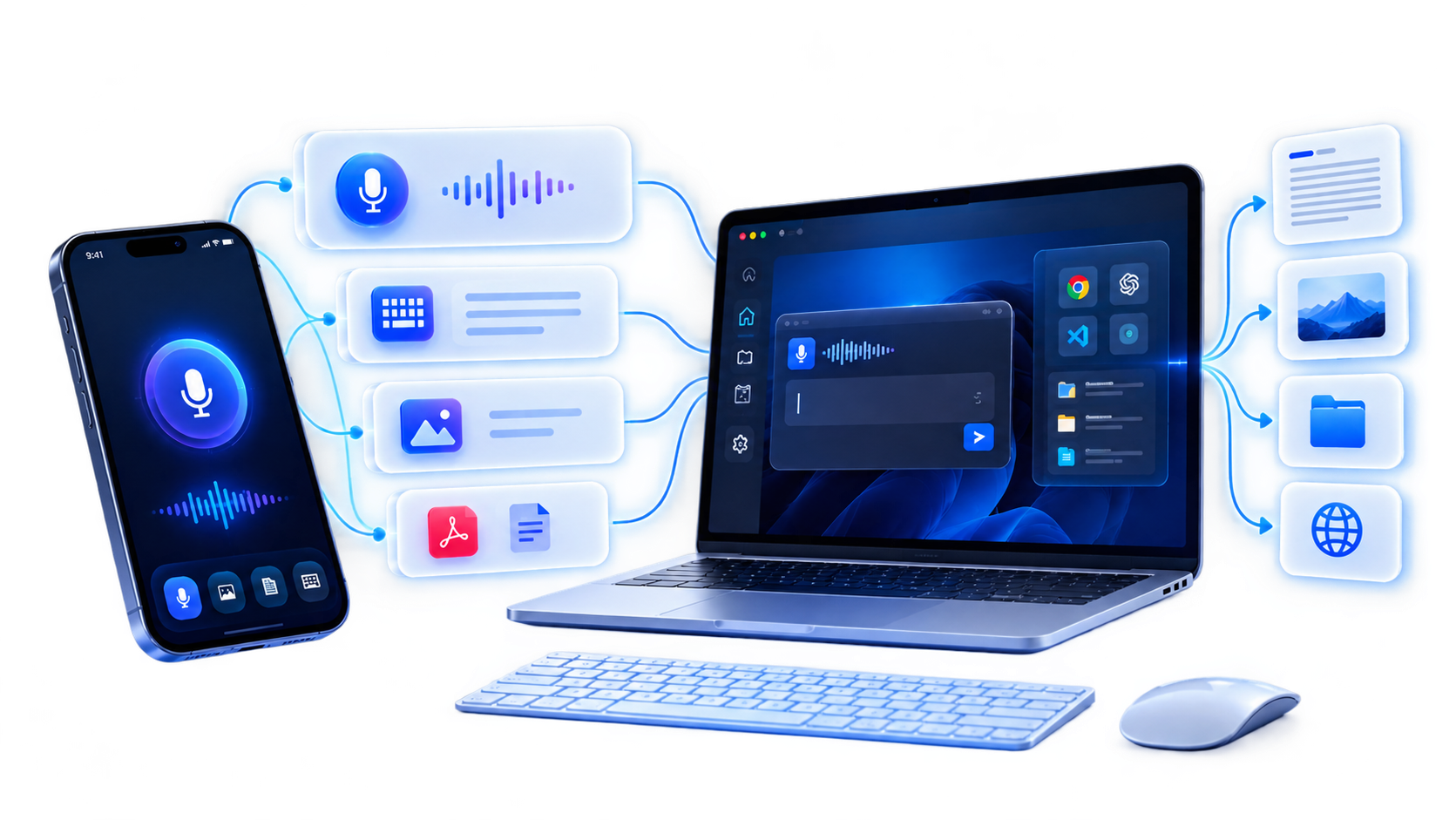
Tools like Whisper can help turn speech into text. CursorFlow goes one step further: it connects the devices you already use and keeps your work moving between them.
One PC. One phone. One workflow.
Use what fits the moment.
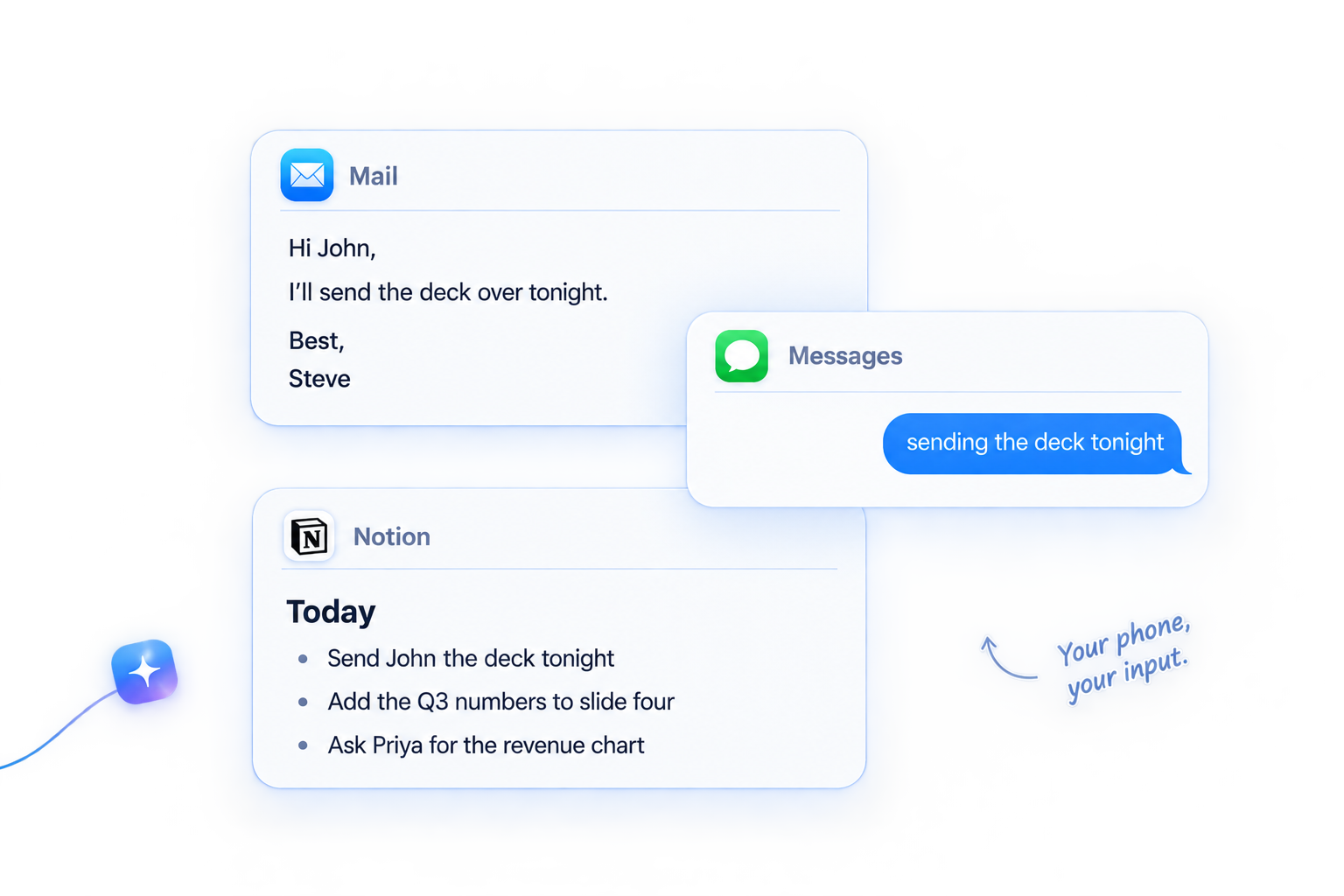
Speak, type, or edit on your phone. When it is ready, send it straight to the active cursor on your PC.
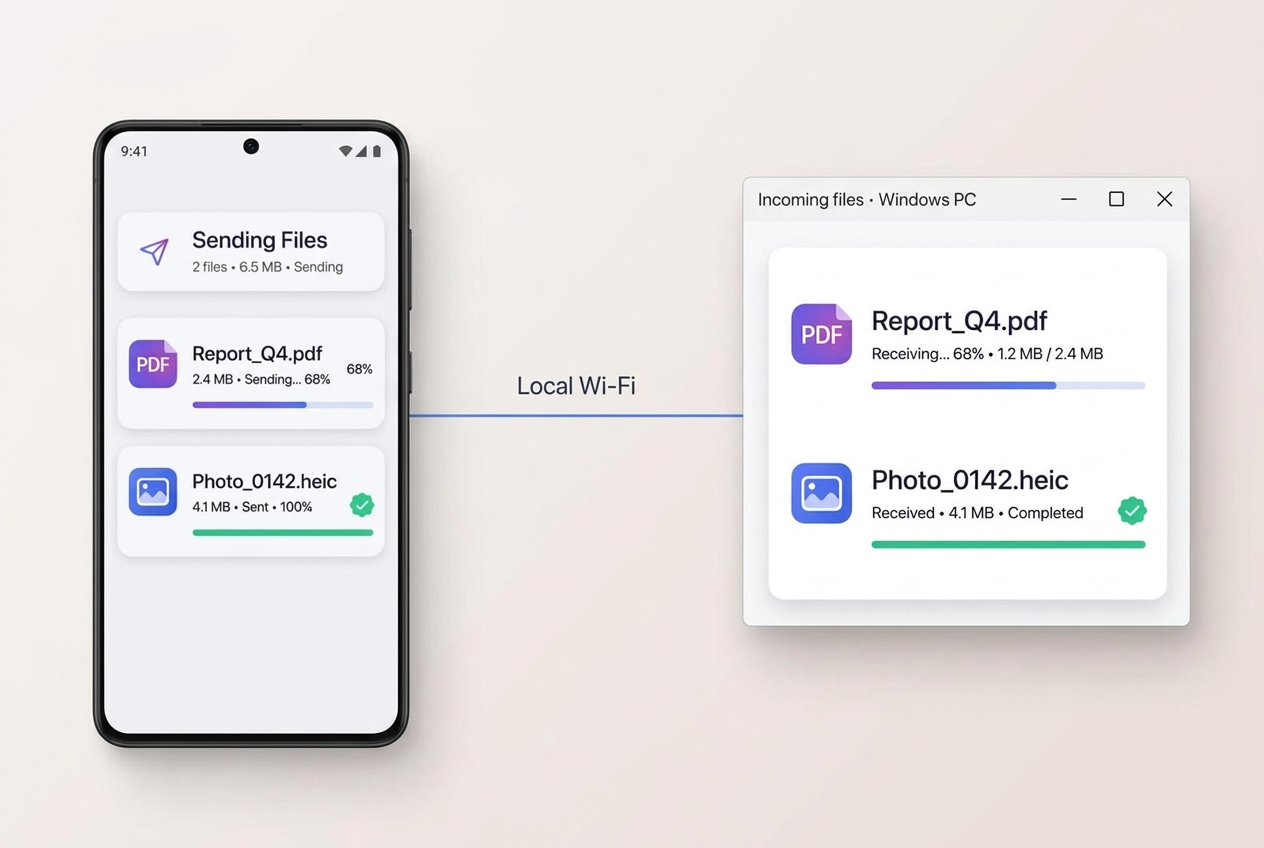
Send photos, documents, and files from your phone directly to your computer. No messaging yourself. No unnecessary copy-and-paste.
Phone → PC · Text · Images · Files
Speak on your PC when you are at your desk. Speak or type on your phone when you need to. Edit before sending, with no forced input method.
Work around people without making your workflow part of the room.
Your phone can do the talking.
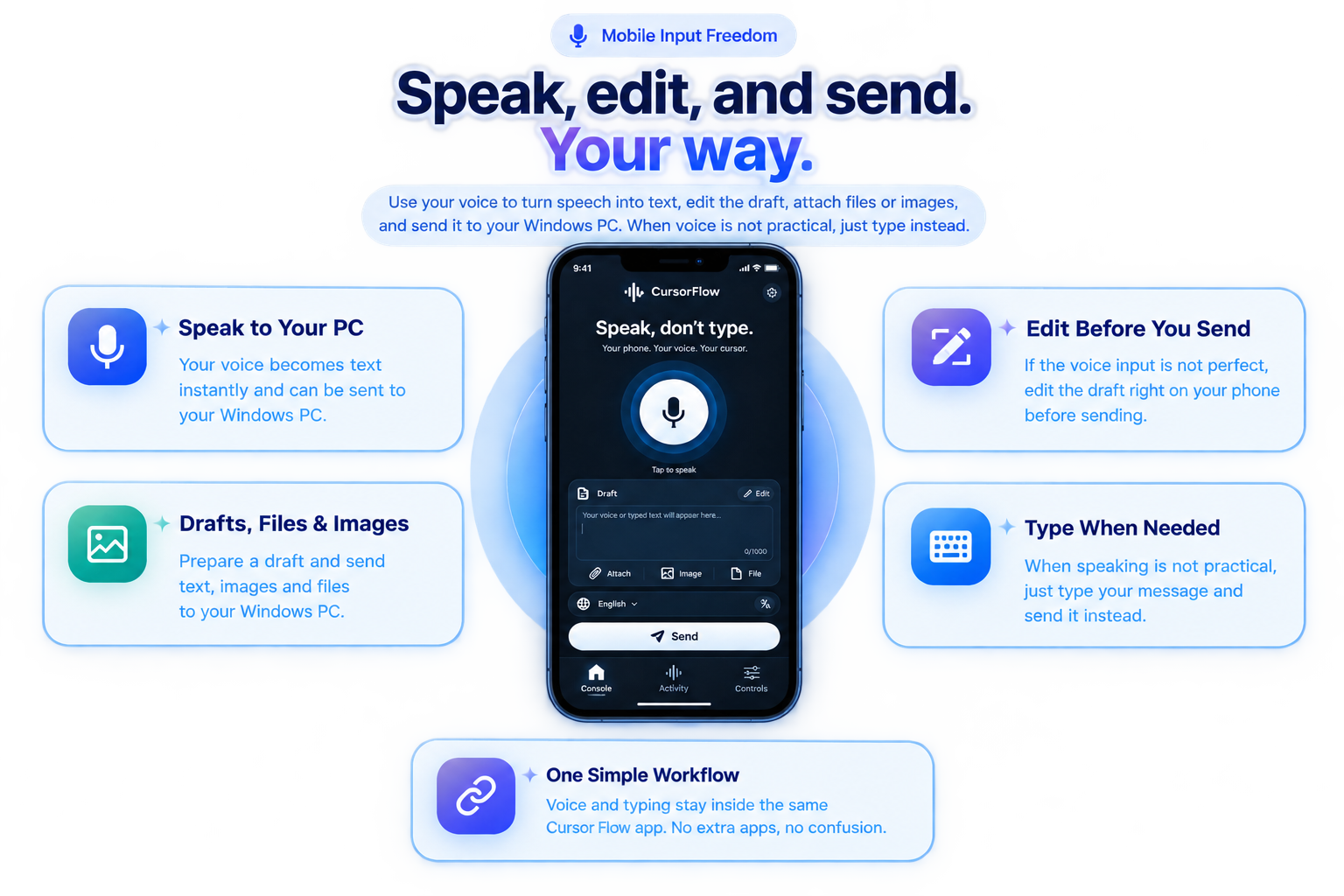
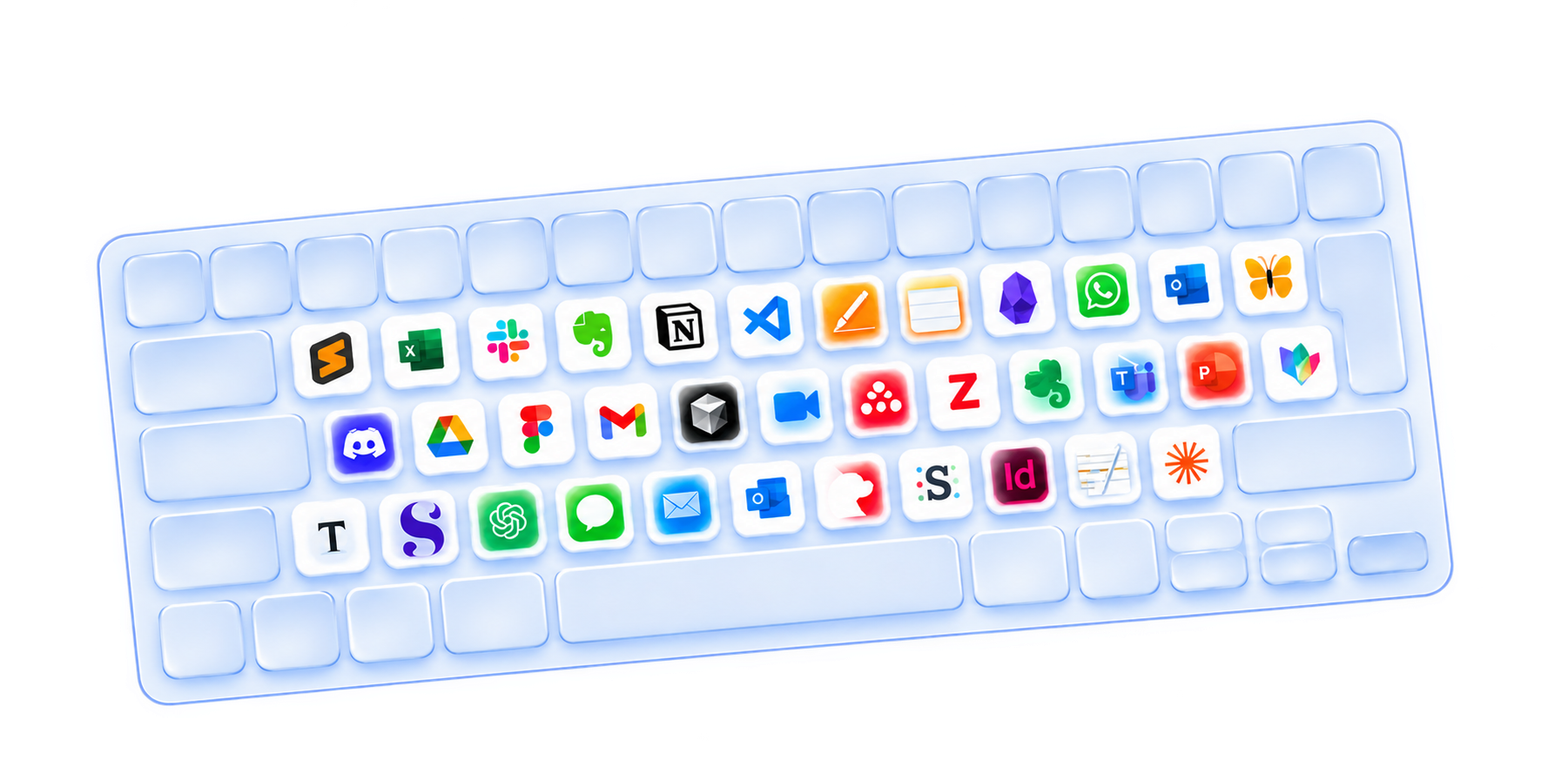
Email • Chat • Notes • Documents • Code • Any text field
CursorFlow does not ask you to relearn how to type. Use your existing phone keyboard to edit, correct, and send your text. No unfamiliar keyboard. No new typing habits.
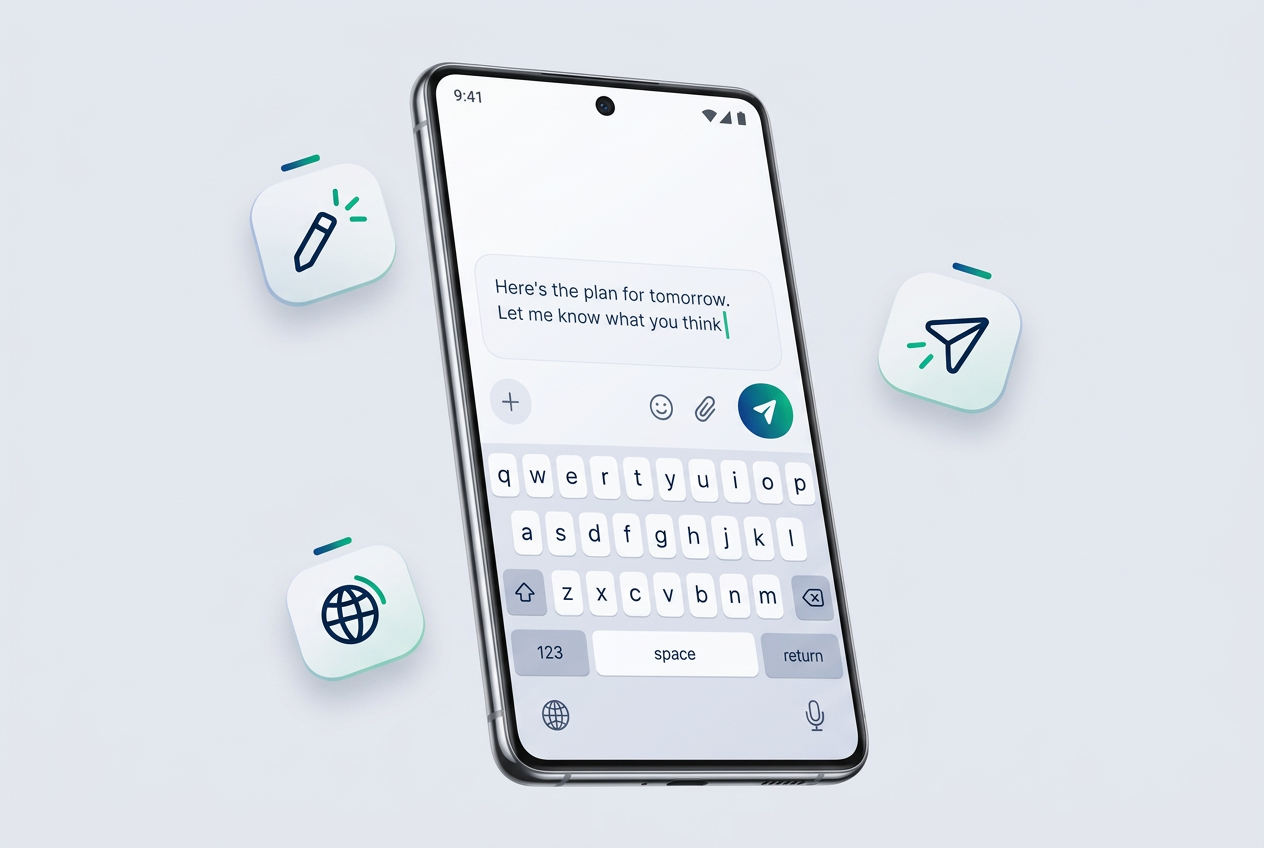
CursorFlow is not about typing faster. It is about removing the unnecessary steps between having an idea and getting it where it needs to go.
CursorFlow simply keeps up.
Less friction. More focus.
More of your time spent on the work.
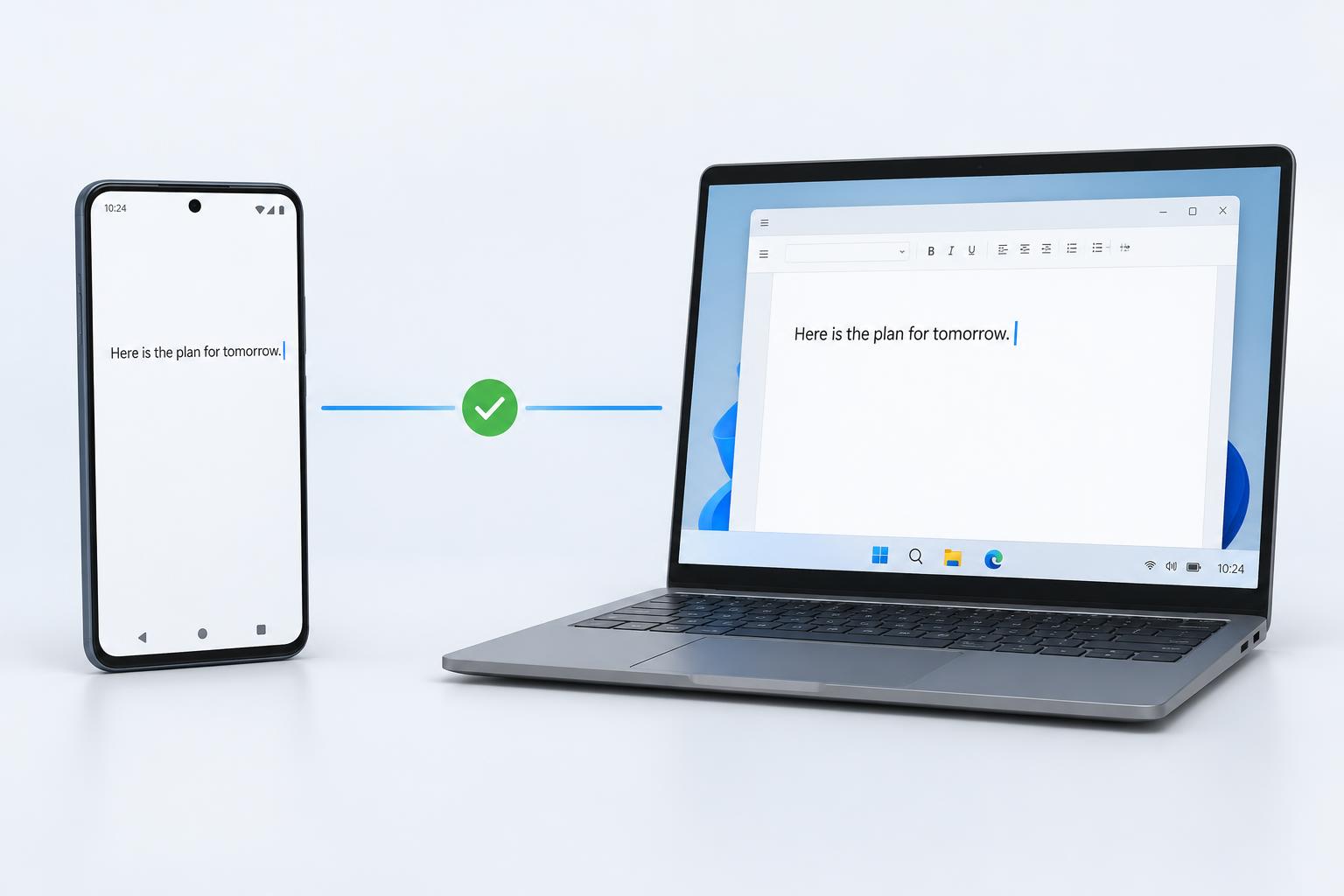
Use local Wi-Fi for fast device-to-device communication. If your network does not allow it, CursorFlow can use an internet connection instead.
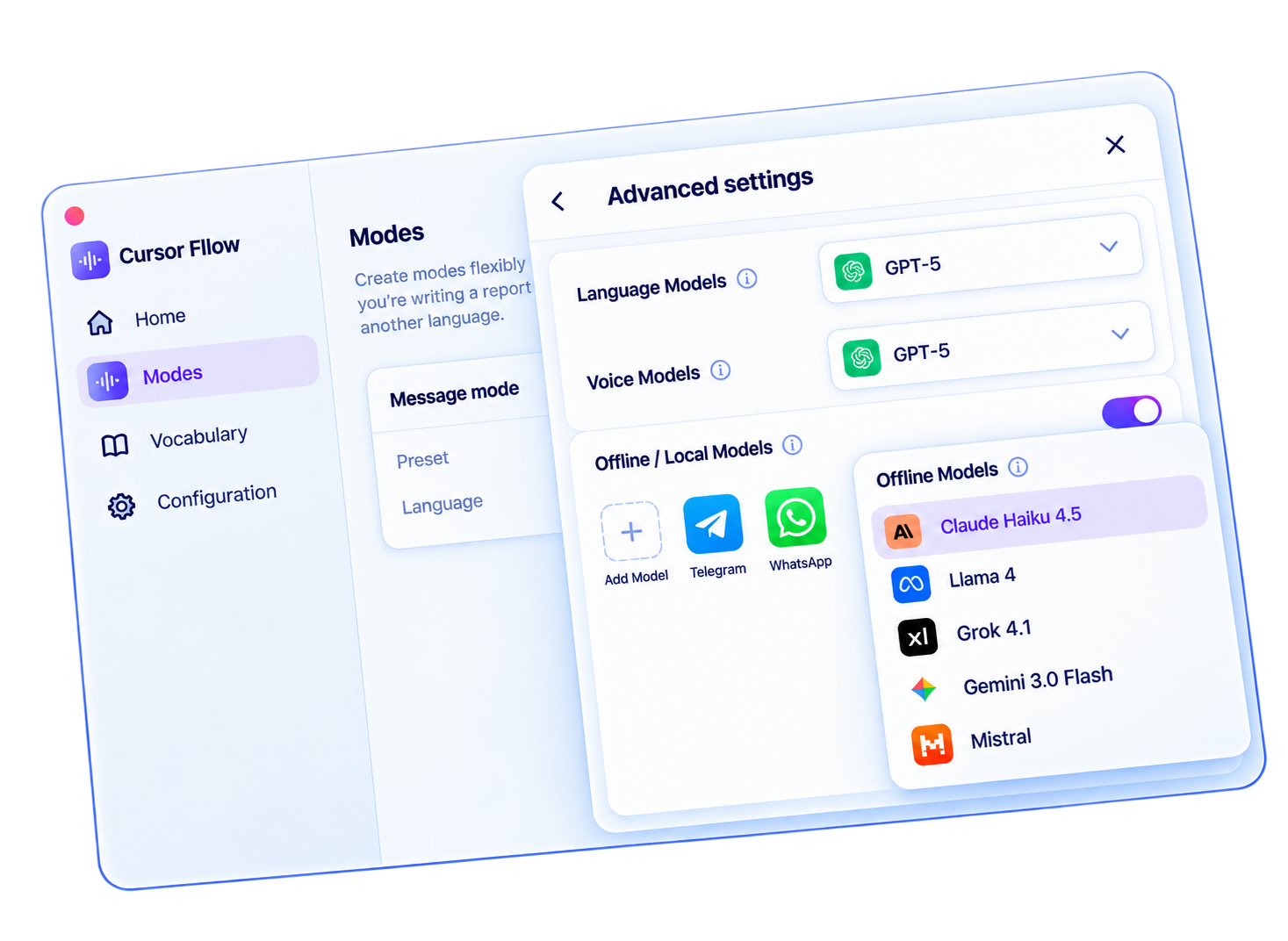
CursorFlow is designed to give you control over how your input moves between your devices and which services process it.
CursorFlow connects your phone and Windows PC so you can speak, type, edit, and send text, images, and files between them without constantly switching tools.
No. CursorFlow is a workflow layer. It can work with supported speech and model options rather than forcing you into one provider.
Yes. CursorFlow supports direct voice input on supported Windows setups.
Yes. Your phone can act as a remote voice and text input device.
No. You can use your existing phone keyboard to edit and type.
Supported workflows can use an internet connection when local device-to-device communication is not available.
Supported desktop capabilities can work offline. Internet-dependent features still require connectivity.
Yes. You can send supported images, documents, and files to your PC.
English, বাংলা, and हिन्दी, with support depending on the selected speech or model configuration.
Supported BYOK options will allow you to use your own provider credentials where available.
CursorFlow is designed to work with standard text fields and supported Windows workflows, but compatibility can vary by application.
Speak on your PC. Use your phone when you need to. Edit before you send. Move files without the detour.
Download for Windows


