 Cursor Flow
How to use voice typing in Gmail, Google Docs and Notion
How to dictate emails in Gmail, documents in Google Docs and pages in Notion on Windows with Cursor Flow.
On this page
Most writing happens in the browser. Cursor Flow types at the cursor, so it works in Gmail, Google Docs and Notion without any extension.
Gmail
Click into the message body, not the subject line, and speak. When you finish, say “make it shorter” or “make it more formal” to rewrite it in place.
Google Docs
Place the cursor in the paragraph. For longer sessions, turn on Lock Target so text keeps going into the doc while you read notes elsewhere.
Notion
Click into the block that should receive the text. Each dictation is typed into the focused block; press Enter for a new one.
Tips
- Set a Style per app: formal for Gmail, relaxed for Notion.
- Say punctuation naturally; Cursor Flow AI adds most of it for you.
How to do this with Cursor Flow
- Install both apps. Get Cursor Flow for Windows and Android from the download page.
- Pair once. Open the phone app and scan the QR code shown on your PC. See pairing if you get stuck.
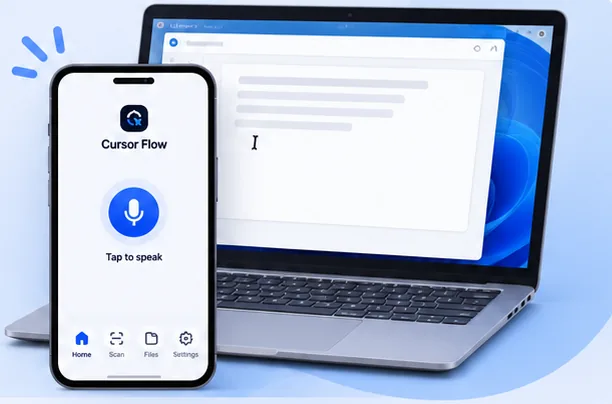
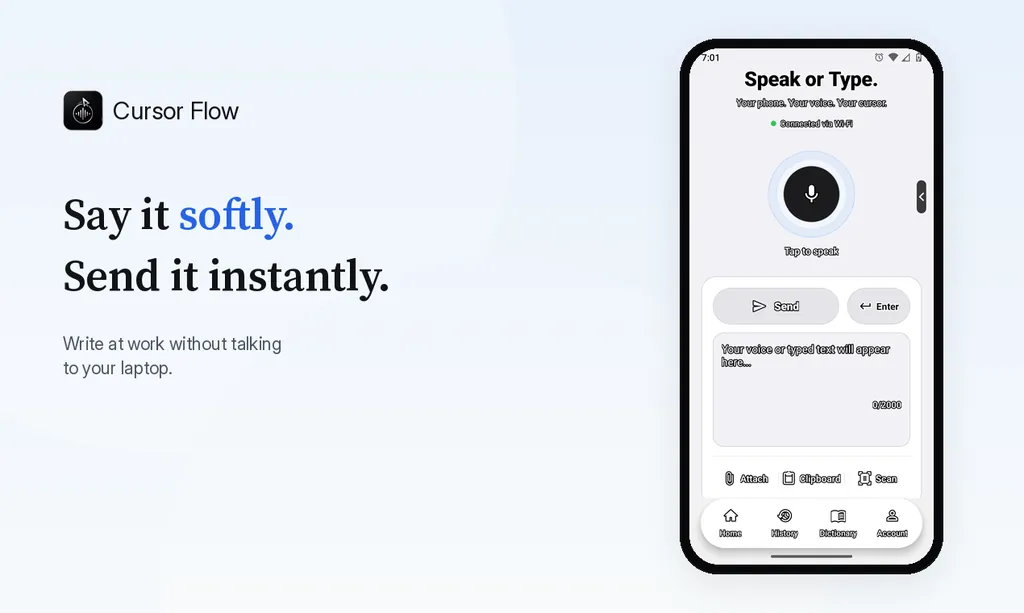
- Click into any text field, then speak or type. Speak softly into the phone held close, or type and tap Send. The words are typed at your PC cursor, in the app you already use.
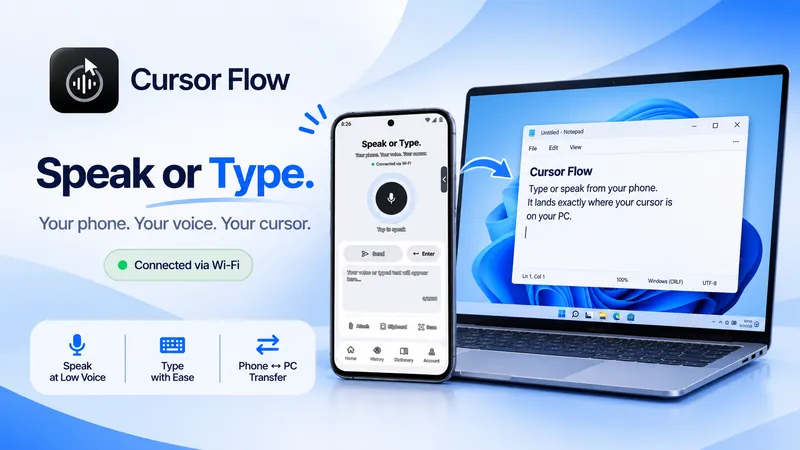
The free plan includes 2,500 dictation words a week, typing on your phone into your PC cursor, phone-to-PC files, images and clipboard, and Scan. See pricing, how phone to PC works, and Gmail, Docs and Notion.
Frequently asked questions
Why did my text go into the subject line?
The subject was focused when you finished speaking. Click the body and try again.
- 57languages
- 2,500free words a week
- Windows + Androidone paired workflow
 Cursor Flow