 Cursor Flow
Superwhisper for Windows: Alternatives Worth Comparing
Superwhisper now runs on Windows. What it costs, what it needs, and when another Windows dictation app, or the free built-in option, fits you better.
On this page
I build Cursor Flow, one of the alternatives below, so take my view with that in mind. Every Superwhisper fact here comes from Superwhisper's own pages, checked on 10 November 2026.
Superwhisper on Windows: the facts
From Superwhisper on Windows and Plans & Pricing:
- Runs natively on Windows 10 and 11, on x64 and ARM64. Same app and license as macOS.
- GPU not required, but local models like Whisper Large v3 Turbo use Vulkan when your GPU supports it, and fall back to the much slower CPU otherwise. On Windows ARM, some local models are not supported yet. Cloud models run on any machine.
- Free plan: unlimited dictation with local Whisper models, custom vocabulary, text replacements and up to two modes without AI processing. Superwhisper says nothing you dictate leaves your device on Free.
- New users get 3,000 words of free access to Pro features.
- Pro: $8.49 a month, $84.99 a year, or $249.99 once. One license covers unlimited Macs and Windows PCs plus iPhone and Android.
- Discounts: 40% off for verified students, educators and non-profits.
- Superwhisper also advertises offline use and 100+ languages on its Windows page.
That is a lot of value, especially the lifetime option and the local free plan.
When to look for an alternative
- Your PC is older or has weak graphics: Local models can be slow without Vulkan support. You can switch to cloud models on Pro, or try a tool built around cloud recognition.
- You only dictate a little: Windows' own voice typing is free.
- You work in a shared office: Any laptop-mic dictation means speaking toward your computer. If that is the hard part for you, a close mic matters more than the model.
- You want phone-to-PC features like sending files or typing on your phone into your PC.
The alternatives
Windows voice typing (free)
Press Windows key + H in any text box. Microsoft says it uses online speech recognition and needs internet. You can turn on automatic punctuation in its settings. No AI cleanup on most PCs.
Pick it if: you want zero cost and light use.
Wispr Flow
Runs on Mac, Windows, iOS and Android. Free plan with a 2,000-word weekly allowance on desktop; Pro $15 a month or $12 a month billed yearly. Source: Wispr Flow pricing.
Pick it if: you want a polished cloud tool across Mac and Windows and do not mind a subscription.
Cursor Flow
Windows 10 and 11 plus Android 9 or newer. Free plan with 2,500 words a week and no card. Individual $15 a month (covers you and one person you gift), Power $25. 57 languages. Offline mode runs recognition on your PC; our download page lists 8 GB of RAM for offline mode.
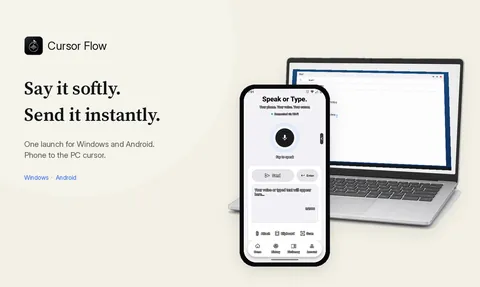
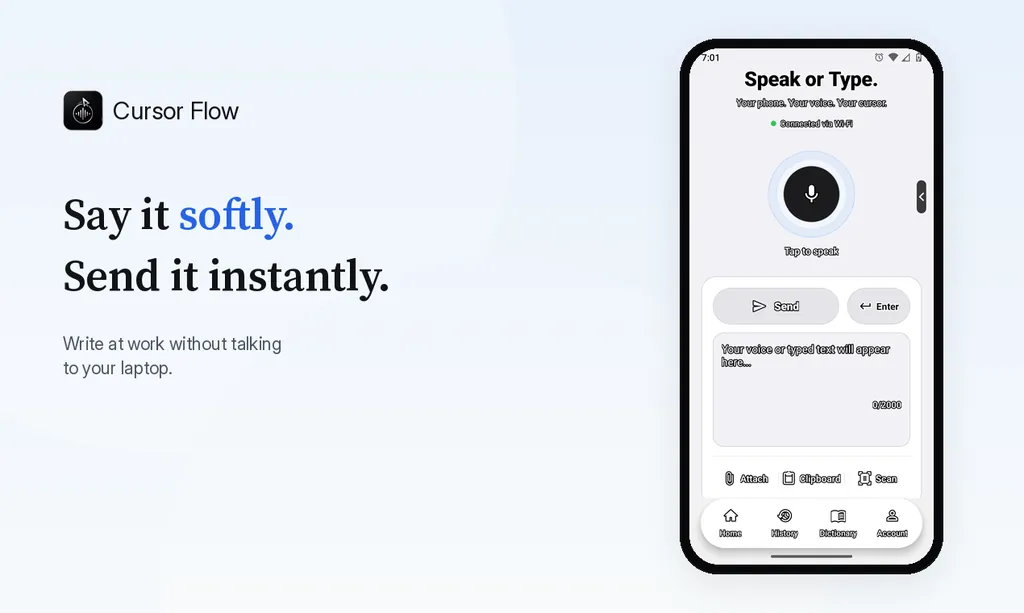
The main difference is the phone. You pair your Android phone by QR code and can:
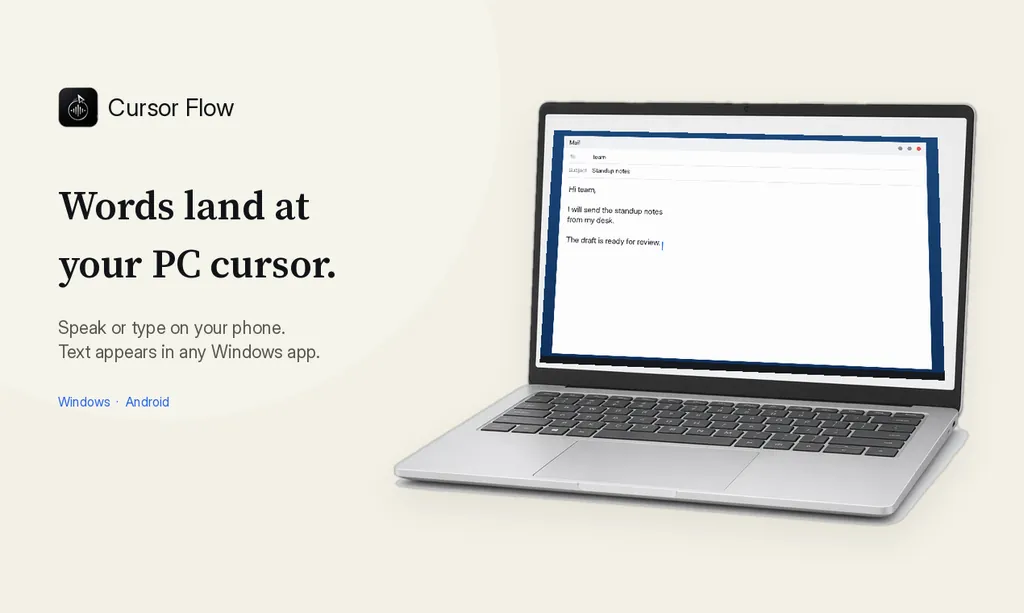
- Hold it close and speak softly; the words appear at your PC cursor in any app.
- Type on it when you cannot speak; the text still lands on the PC.
- Send files, clipboard and scans from phone to PC.
It does not work with zero sound, and it is not on Mac or iPhone. It is also in public beta, and the Windows installer is not code-signed yet, so SmartScreen may show a warning.
Pick it if: you work around other people, use Windows and Android, and want the phone to be your quiet mic and keyboard.
Quick comparison
| Superwhisper | Cursor Flow | Wispr Flow | Win+H | |
|---|---|---|---|---|
| Windows | 10/11, x64 + ARM64 | 10/11, 64-bit | Yes | Built in |
| Android | Yes | Yes (9+) | Yes | No |
| Mac / iPhone | Yes | Not yet | Yes | No |
| Free tier | Unlimited, local models | 2,500 words/week | 2,000 words/week desktop | Free |
| Lifetime option | $249.99 | No | No | n/a |
| Offline | Yes | Yes, on PC | Not listed | No |
| Phone as quiet PC mic | Not listed | Yes | Not listed | No |
"Not listed" means I did not find it on their official pages.
How to decide in 10 minutes
- Write down the three apps you dictate into most.
- Install the free tier of one or two options.
- Dictate the same short email in each, at your real desk, at the volume you are comfortable with.
- Keep the one where you did not have to fix much, and where you did not feel awkward.
The volume test matters. Many people choose the tool with the best accuracy in a quiet room, then rarely use it at work because they do not want to talk out loud. Our compare page and Windows dictation app page explain how we think about it.
A note on privacy
All of these tools handle your voice differently. Superwhisper's free plan keeps dictation on your device. Windows voice typing uses Microsoft's online service. Cursor Flow sends audio over an encrypted connection to produce text when you use its cloud recognition, and in offline mode recognition runs on your PC. Read each vendor's privacy page before dictating sensitive material.
How to do this with Cursor Flow
- Install both apps. Get Cursor Flow for Windows and Android from the download page.
- Pair once. Open the phone app and scan the QR code shown on your PC. See pairing if you get stuck.
- Click into any text field, then speak or type. Speak softly into the phone held close, or type and tap Send. The words are typed at your PC cursor, in the app you already use.
The free plan includes 2,500 dictation words a week, typing on your phone into your PC cursor, phone-to-PC files, images and clipboard, and Scan. See pricing, how phone to PC works, and phone as a PC microphone.
FAQ
Is Superwhisper available on Windows?
Yes. Superwhisper's docs say it runs natively on Windows 10 and 11, on x64 and ARM64, with the same license as macOS.
Is Superwhisper free on Windows?
There is a free plan with unlimited dictation using local Whisper models, up to two modes and custom vocabulary. Pro adds cloud models and AI modes.
How much does Superwhisper Pro cost?
Superwhisper lists Pro at $8.49 a month, $84.99 a year, or $249.99 once for a lifetime license.
Do I need a GPU for Superwhisper on Windows?
Superwhisper says a GPU is not required, but some local models use Vulkan on supported GPUs and are much slower on the CPU. Cloud models run on any machine.
Want to try the phone-as-quiet-mic approach? Download Cursor Flow and use the free plan.
- 57languages
- 2,500free words a week
- Windows + Androidone paired workflow