 Cursor Flow
Whisper Voice Typing: Can Dictation Hear a Quiet Voice?
Yes, voice typing can work at a whisper-level voice if the mic is close to your mouth. What works, what fails, and how to set it up at a shared desk.
On this page
- What people mean by "whisper voice typing"
- Why quiet dictation usually fails
- The rule that matters: bring the mic close
- How to set up quiet voice typing on a Windows PC
- What about when you cannot make any sound?
- Tips for better accuracy at low volume
- Is whisper dictation worth it?
- How to do this with Cursor Flow
- FAQ
- Keep reading
I am an introvert, and I built Cursor Flow because talking to a laptop at my desk felt uncomfortable. So this is a topic I have tested a lot on my own setup. This guide covers what "whisper voice typing" really means, why it fails for most people, and the setup that makes it usable.
What people mean by "whisper voice typing"
When people search for whisper dictation, they usually mean one of three things:
- Speaking softly so the person at the next desk does not hear full sentences.
- A real whisper, the kind you use in a library, with almost no vocal sound.
- Silent input, where you make no sound at all.
Only the first one works reliably today. The second works sometimes. The third is not something normal dictation apps do, whatever a product page might hint at. (You may also see "Whisper" used as the name of a speech model. That is a different thing and has nothing to do with how loudly you speak.)
Why quiet dictation usually fails
Most people try quiet dictation with the laptop's built-in mic, which sits 40 to 60 cm away, often behind the keyboard and next to a fan. At that distance:
- Your soft voice is not much louder than the room around you.
- The software hears your neighbour's call as clearly as it hears you.
- You start to speak up without noticing, which defeats the point.
So the problem is rarely the software. It is the distance between your mouth and the microphone.
The rule that matters: bring the mic close
Sound gets much weaker as it travels. Halve the distance to the mic and your voice is a lot louder compared with the background. That is why a cheap headset mic beside your mouth can beat a good desk mic across the table.
You have three practical options:
| Option | Distance to mouth | Cost | Good for |
|---|---|---|---|
| Laptop built-in mic | 40 to 60 cm | Free | Private rooms only |
| Headset with boom mic | 2 to 5 cm | Low to medium | Long sessions, calls too |
| Phone held close | 10 to 20 cm | Free if you own one | Quick bursts at a shared desk |
I compared these in more detail in headset vs phone mic for office dictation.
How to set up quiet voice typing on a Windows PC
Step 1: Pick your close mic
If you already wear a headset at work, use it. If you do not want to wear one all day, your phone is a good close mic. With Cursor Flow you pair an Android phone with the Windows app by scanning a QR code, then choose the phone as the microphone. Our phone as microphone guide walks through it in about two minutes.
Step 2: Speak low, not breathy
Keep some voice in your words. Think "talking to someone sitting next to you on a quiet train", not "secret in a library". A low voice keeps the sounds that speech recognition needs. A pure whisper removes most of them.
Step 3: Talk in short bursts
Say one or two sentences, stop, glance at the text, then go on. Short bursts are easier to correct and draw less attention than a long monologue.
Step 4: Add your hard words to a vocabulary list
Names, product terms and acronyms are where quiet speech breaks first. Most tools, including Windows apps and Cursor Flow, let you add custom words. Do this once and accuracy at low volume gets noticeably better.
Step 5: Decide what never gets dictated at your desk
Even at low volume, someone close may catch a word. Salary talks, health details and anything confidential belong in a private room or should be typed. If you want audio to stay on your PC, Cursor Flow has an offline mode where recognition runs locally, but offline mode does not stop the person beside you from hearing you.
What about when you cannot make any sound?
Sometimes speaking is not an option at all: a quiet meeting, a library, a sleeping baby. No mainstream dictation app reads lips or thoughts, and you should be wary of any that seems to promise it.
The honest fallback is typing, just not on your PC keyboard. In Cursor Flow you can type on your phone and the text is typed at your PC cursor, which helps when you are away from your desk or holding the phone anyway. We explain that on the silent typing page.
Tips for better accuracy at low volume
- Face the mic: Turning your head away drops your level more than you think.
- Avoid fans and vents: Constant noise near the mic hurts quiet speech the most.
- Say punctuation only if your tool needs it: Some tools add it for you. Others, like Google Docs voice typing, accept commands such as "period" and "new line".
- Check the first few sentences: If the tool keeps missing the same word, add it to the vocabulary instead of repeating it louder.
- Stop when the room goes silent: In a fully silent room, even a soft voice carries. Switch to typing for a few minutes.
Is whisper dictation worth it?
If you write a lot of email, chat replies or notes, yes. Speaking is usually faster than typing for first drafts, and a close mic lets you do it without raising your voice. If you only send a few short messages a day, the built-in tools on Windows and Android are free and may be enough.
If you want to try the phone-as-a-close-mic approach on your own PC, Cursor Flow has a free plan with 2,500 words a week and no card. You can download it here.
How to do this with Cursor Flow
- Install both apps. Get Cursor Flow for Windows and Android from the download page.
- Pair once. Open the phone app and scan the QR code shown on your PC. See pairing if you get stuck.
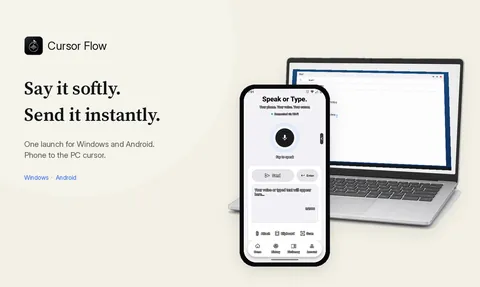
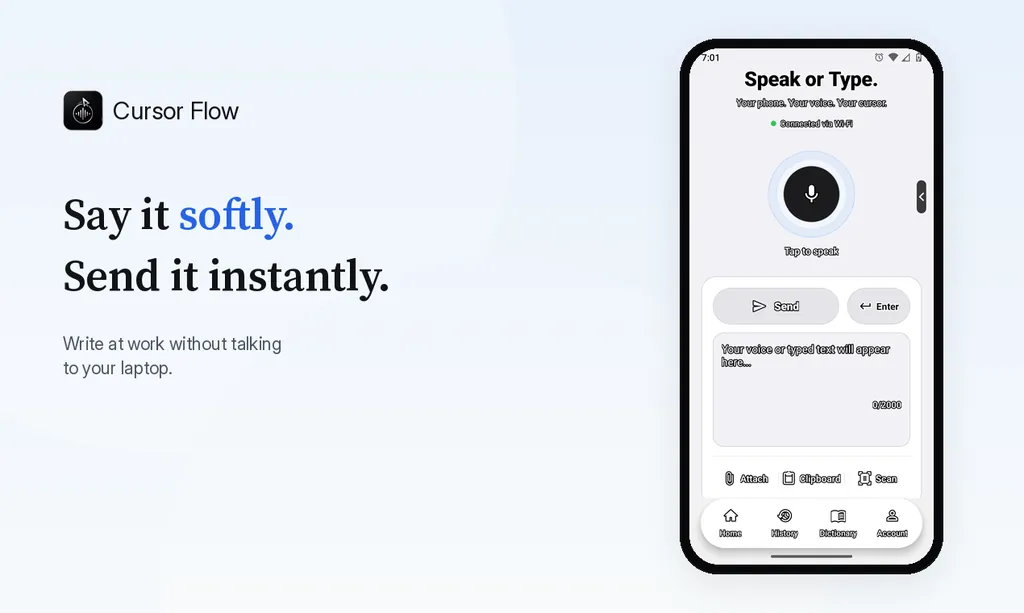
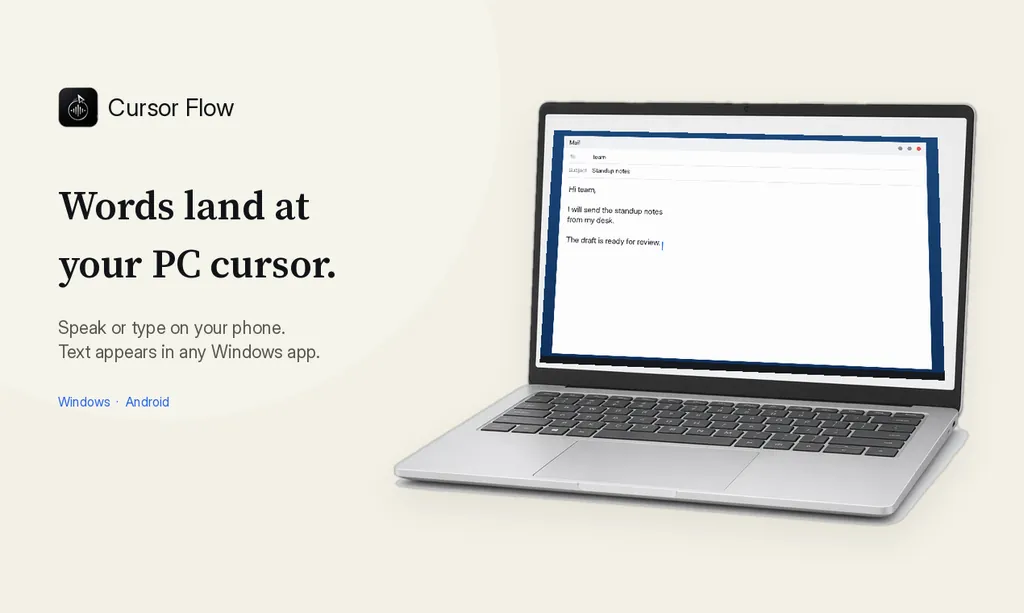
- Click into any text field, then speak or type. Speak softly into the phone held close, or type and tap Send. The words are typed at your PC cursor, in the app you already use.
The free plan includes 2,500 dictation words a week, typing on your phone into your PC cursor, phone-to-PC files, images and clipboard, and Scan. See pricing, how phone to PC works, and phone as a PC microphone.
FAQ
Can voice typing pick up a whisper?
A soft, low voice works well when the microphone is a few centimetres from your mouth. A true breathy whisper with no voice in it is much harder, and most tools will drop or guess words.
Do I need a special microphone for quiet dictation?
No. Distance matters more than price. A headset boom mic or a phone held 10 to 20 cm from your mouth beats an expensive desk mic placed far away.
Is there voice typing that works with no sound at all?
Not in normal consumer apps. Lip-reading and silent-speech research exists, but everyday dictation still needs some sound. If you cannot make any sound, type on your phone instead and send the text to your PC.
Will people next to me still hear me?
Someone right beside you may catch a few words. People two or three desks away usually hear only a murmur when you speak softly into a close mic.
- 57languages
- 2,500free words a week
- Windows + Androidone paired workflow