 Cursor Flow
Voice Typing Without Speaking Aloud: What Works Today
Can you voice type without speaking aloud? What silent speech research can do, what you can buy today, and quiet ways to type on a computer at work.
On this page
- What people mean by "without speaking aloud"
- Silent speech to text: what the research shows
- Speech to text without a microphone
- What actually works today
- Where Cursor Flow fits, honestly
- How to choose the right approach
- Tips for quieter voice typing
- Privacy when you type quietly
- How to do this with Cursor Flow
- FAQ
- Try the quiet option
- Keep reading
I am an introvert who does not enjoy typing, so I understand why people search for this. You want the speed of voice typing without the room hearing you. Below is an honest look at what the research can do, what products can do, and what actually works at a shared desk.
What people mean by "without speaking aloud"
When people search for "voice typing without speaking aloud" or "type silently on computer", they usually mean one of three things:
- No sound at all: You move your lips or say the words in your head, and the computer types them.
- Very quiet sound: You speak so softly that the person at the next desk cannot follow what you say.
- No voice, just faster typing: You want text on the screen without using the laptop keyboard much, and you are open to any method that stays quiet.
Option 1 is the science fiction one. Options 2 and 3 are possible today with normal hardware.
Silent speech to text: what the research shows
Silent speech interfaces try to turn speech into text without audible sound. They usually work from signals other than sound, such as muscle activity or lip movement.
The best known public example is AlterEgo from the MIT Media Lab. In 2018, MIT News described a wearable device with electrodes that pick up neuromuscular signals in the jaw and face when a person says words "in your head". A trained system matched those signals to words. In a small usability study with 10 people, it reached about 92 percent transcription accuracy on a limited arithmetic task after each person spent time customizing it.
That is impressive work, but notice the limits:
- It needs a device worn on the face.
- It was tested on a small vocabulary, not free writing.
- Each person needed training time.
- It was a research prototype, not an app you download.
What subvocalization to text means
Subvocalization is the habit of saying words in your head while you read or think. The MIT article notes that people have studied the physical signals of this inner speech since the 19th century. "Subvocalization to text" is the idea of capturing those signals and typing them. It remains a research topic. If a website promises silent mind-to-text typing from a normal laptop or phone, be careful.
Speech to text without a microphone
Another common search is "speech to text without microphone". Every normal dictation tool needs a microphone, because it works from sound. What changes between tools is which microphone you use and how close it is to your mouth.
A laptop microphone sits far away, so you have to raise your voice for it to hear you. A phone held 10 to 20 cm from your mouth is much closer, so a soft voice is often enough. That distance is the main reason a phone can feel quieter than a laptop for dictation.
What actually works today
1. A soft voice with a close microphone
This is the closest thing to silent voice typing that works on normal hardware. Speak low and steady, not in a breathy whisper. Breathy whispers lose the voiced part of speech, so recognition often gets worse. A soft voice keeps enough sound for the software and very little for the room.
I wrote a full guide on this in whisper voice typing, including how close to hold the mic and how to phrase sentences.
2. Type on your phone, read it on your PC
When you cannot speak at all, for example in a silent meeting room or late at night at home, type on your phone instead. Many people type faster on a phone than they expect, and the phone keyboard makes no click. The trick is getting that text onto the computer without emailing it to yourself.
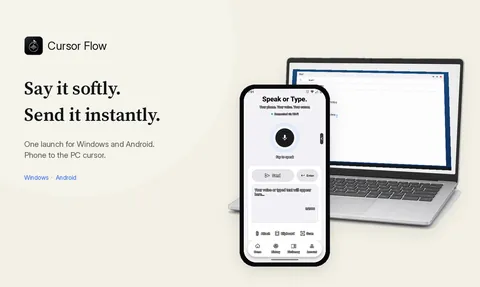
Cursor Flow has a silent keyboard fallback for this: you type on the phone and the text appears at the cursor on your Windows PC. There is a longer walkthrough in type on your phone to your PC when you cannot speak.
3. A quieter keyboard
If you mostly type, a low-noise keyboard with soft keys reduces the clatter that makes some people feel watched. It does not make you faster, but it is silent and needs no software.
4. Write first, speak later
Some people draft notes by hand or on the phone during the day, then dictate longer text at home where nobody listens. It is slower, but it costs nothing.
Where Cursor Flow fits, honestly
Here is exactly what Cursor Flow does, with no stretch:
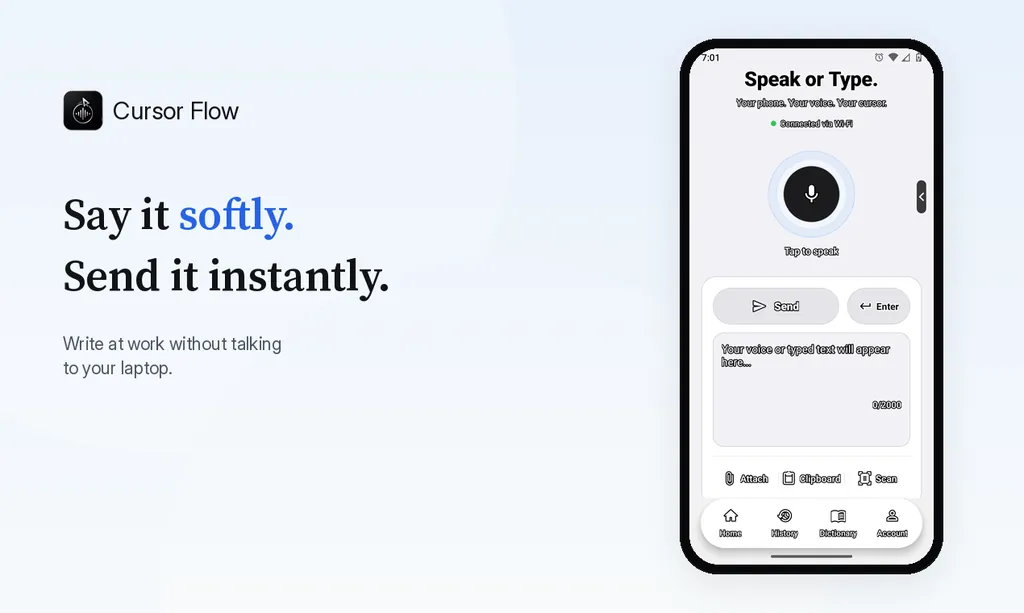
- You speak softly into your Android phone, held about 10 to 20 cm away.
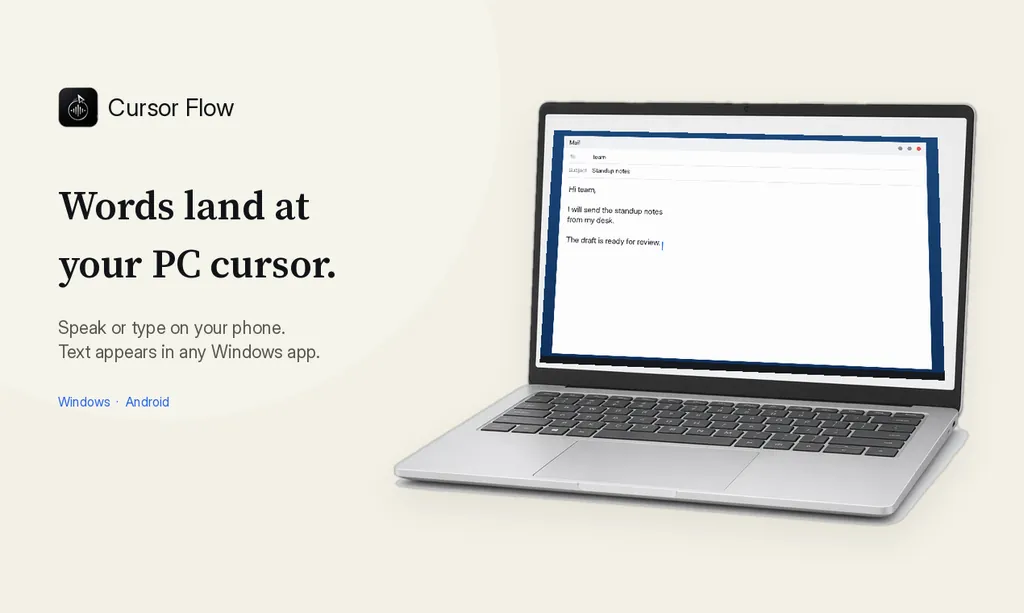
- The text types at the cursor on your Windows 10 or 11 PC, in any app, word by word like a keyboard.
- When you cannot speak, you type on the phone and the text goes to the same cursor.
- It never types into password fields.
Here is what it is not:
- It is not silent speech or subvocalization technology.
- It does not read your lips.
- It does not read your thoughts.
- It needs some sound from you, or typed input on the phone.
If your goal is to never make any sound, the phone keyboard mode is the part that helps. If your goal is to be quiet enough that colleagues cannot follow your words, a soft voice close to the phone usually does it. For the open office case in more depth, read how to dictate in an open office without being heard.
How to choose the right approach
| Your situation | Best option today |
|---|---|
| Shared desk, you can speak a little | Soft voice into a phone held close |
| Library, quiet room, or a call is running | Type on the phone, send to the PC |
| You type mostly and hate the noise | Quiet keyboard |
| You want true silent speech to text | Not available as a normal product yet |
Tips for quieter voice typing
- Hold the mic close: Distance matters more than volume.
- Face the wall or your screen: Your voice spreads less toward neighbours.
- Speak in short phrases: Short phrases are easier to say softly and easier to fix.
- Say punctuation only if your tool needs it: Some tools add punctuation for you.
- Read before you send: Soft speech can produce small errors. A quick read catches them.
Privacy when you type quietly
Quiet does not only mean low sound. It also means fewer people seeing your words. Typing at your own cursor, instead of pasting into a shared chat, keeps the draft on your screen until you choose to send it. If you work with sensitive text, check your company rules about which tools you may use, as with any dictation software.
How to do this with Cursor Flow
- Install both apps. Get Cursor Flow for Windows and Android from the download page.
- Pair once. Open the phone app and scan the QR code shown on your PC. See pairing if you get stuck.
- Click into any text field, then speak or type. Speak softly into the phone held close, or type and tap Send. The words are typed at your PC cursor, in the app you already use.
The free plan includes 2,500 dictation words a week, typing on your phone into your PC cursor, phone-to-PC files, images and clipboard, and Scan. See pricing, how phone to PC works, and silent typing from your phone.
FAQ
Is there software that turns silent speech into text?
Not as a normal consumer app. Silent speech interfaces exist in research labs and use sensors worn on the face or jaw. Regular dictation apps, including Cursor Flow, need you to make some sound.
Can Cursor Flow read my lips or my thoughts?
No. Cursor Flow is not silent speech or subvocalization technology. It needs a soft voice into your phone held close to your mouth, or you can type on the phone and the text appears on your PC.
What is subvocalization?
Subvocalization is saying words in your head while reading or thinking. It can cause tiny muscle signals in the jaw and face. Research devices try to read those signals, but they are not something you can install on a work laptop.
How quiet can normal voice typing be?
With the microphone very close to your mouth, a soft voice is often enough for good results. A whisper with no voice at all often gives worse accuracy, so a low, soft voice works better than a true whisper.
What is the quietest way to type on a computer?
A quiet keyboard, or typing on your phone and sending the text to the PC. Both make almost no sound and do not need you to speak.
Try the quiet option
If a soft voice or your phone keyboard sounds like the right fit, you can download Cursor Flow and try it on the free plan, which includes 2,500 words a week with no card. Pair your phone by QR code and test it at your own desk before you rely on it.
- 57languages
- 2,500free words a week
- Windows + Androidone paired workflow