 Cursor Flow
Hands Hurt From Typing All Day? Ways to Type Less at Work
Not medical advice: desk changes, breaks, and moving part of your typing to voice. What the NHS says, when to see a doctor, and what office workers tried.
On this page
- What the NHS says
- You are not the only one
- Step 1: Fix the desk setup
- Step 2: Take short, regular breaks
- Step 3: Type less, not just better
- Step 4: Make voice work in a shared office
- A lower-typing workday, as an example
- What to avoid
- Where Cursor Flow fits, honestly
- How to do this with Cursor Flow
- FAQ
- Keep reading
This is not medical advice. I am the founder of a typing app, not a clinician. I have kept the health facts to what the NHS and a university ergonomics team publish, and linked them so you can read the source.
What the NHS says
The NHS describes repetitive strain injury (RSI) as "a term sometimes used for pain caused by repeated movement of part of the body," and lists typing as one example of a repetitive activity. Symptoms it lists include pain that can feel like burning, aching or throbbing, stiffness, weakness, tingling, numbness, cramps and swelling (NHS).
A few points from that page are worth knowing:
- It "often gets better on its own," but there are things you can do to help.
- It suggests speaking to your employer about ways they can help you keep working, such as changing the way you work.
- It advises against resting the affected area for more than a few days, because too much rest can make it weaker.
- See a GP if symptoms are not going away or are getting worse. In many areas of the UK you can refer yourself to physiotherapy services.
- An occupational therapist can look at what is causing the problem and suggest exercises, equipment or workspace changes.
Outside the UK, the same idea applies: if pain keeps coming back or gets worse, see a doctor or physiotherapist.
You are not the only one
On r/RSI, a developer who types more than ten hours a day described what helped after a year of trial and error: a split keyboard, a vertical mouse, a raised monitor, short timed breaks, and voice typing. On that last one they wrote: "it ended up cutting my daily keystrokes by maybe 50-60%," and added that spreading the load across voice and hands meant they were not "hammering the same tendons for 10 hours straight" (Reddit).
That is one person's experience, not a study. But it matches a simple idea: fewer keystrokes means less repetition.
Step 1: Fix the desk setup
UCLA Ergonomics publishes guidance on preventing repetitive strain injuries (UCLA Ergonomics). The parts that apply to typing:
- Keep wrists as neutral as possible: UCLA describes a safe zone of about 15 degrees in each direction.
- Keep upper arms close to the body, elbows around 100 degrees, forearms neutral.
- Keep your back and neck upright with shoulders relaxed, and avoid bending your neck forward for long periods.
- Use an adjustable keyboard tray big enough for the mouse too.
- Feet flat on the floor or on a footrest.
If your workplace offers a desk assessment, ask for one. In many companies it is a routine request.
Step 2: Take short, regular breaks
UCLA recommends breaking from any sustained posture every 20 to 30 minutes and stretching stiff muscles. Two things make this easier:
- Use a timer: People who wait for their hands to tell them to stop usually stop too late.
- Stand up during the break: Scrolling on your phone is still using your hands.
Also, alternate tasks. UCLA suggests rotating repetitive tasks with lighter, less repetitive ones. Put a phone call, a printed read-through or a short walk between long typing blocks.
Step 3: Type less, not just better
Better posture lowers the strain of each keystroke. The other lever is making fewer keystrokes.
Cut repeat typing:
- Save templates for emails and messages you send every week.
- Use text shortcuts for phrases you type often, like your address or a standard sign-off.
- Reply in three lines when three lines will do.
Move first drafts to voice:
- Say the first draft of an email, report or document, then edit it by keyboard.
- Use voice for short chat replies, which add up across a day.
- Keep the keyboard for code, numbers, spreadsheets and fine editing.
Built-in voice options on Windows
- Windows voice typing: click into a text field and press Windows key + H. It needs internet.
- Word and Outlook Dictate: in the Home or Message tab, for Microsoft 365 subscribers.
- Google Docs voice typing: Tools > Voice typing, in Chrome, Edge or Safari.
These are free and worth trying first.
Step 4: Make voice work in a shared office
Here is the catch for many office workers. Dictating at your desk means talking out loud, and a laptop microphone is far from your mouth, so you have to speak up. A lot of people try it for a day and go back to typing because they feel watched.
A closer microphone solves most of that. A phone held a few centimetres from your mouth picks up a soft voice clearly, so you do not have to project across the desk.
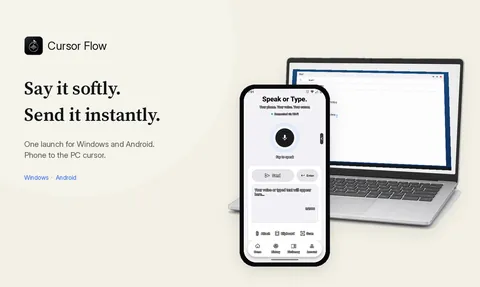
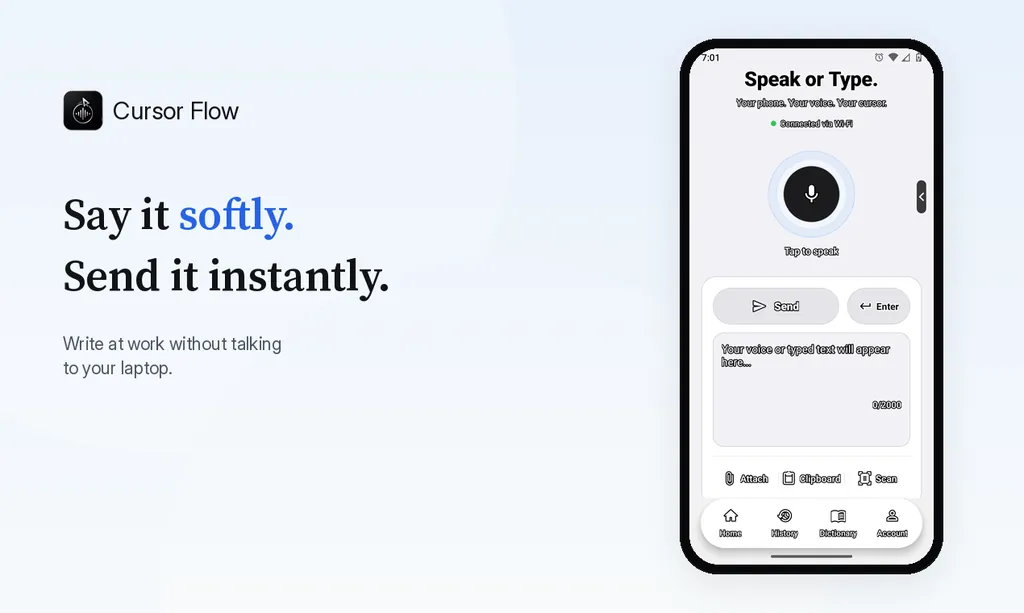
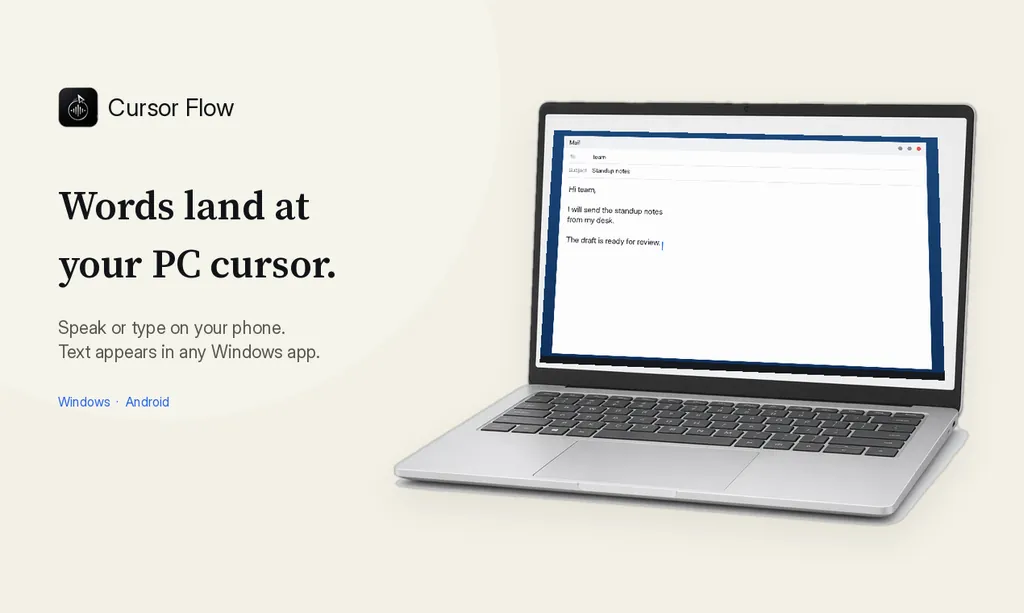
This is what I built Cursor Flow to do. You pair an Android phone with your Windows PC, hold the phone close, speak softly, and the words are typed at your PC cursor in any app: email, chat, documents, forms. See the Windows dictation app page for how it works on the PC side.
When you cannot speak at all, you can type on the phone and the text lands on the PC instead (silent keyboard fallback). To be clear, that is still typing, just on a different surface. If your thumbs or hands hurt on a phone too, voice is the part that reduces the load, not phone typing.
On the phone itself, the Cursor Flow voice keyboard for Android lets you speak instead of type in phone apps.
A lower-typing workday, as an example
| Time | Task | Lower-typing option |
|---|---|---|
| Morning email | 20 to 40 replies | Templates plus voice for short replies |
| Chat during the day | Dozens of short messages | Voice, a sentence at a time |
| Document drafting | First draft | Dictate, then edit by keyboard |
| Spreadsheets, code | Detailed entry | Keyboard, with breaks every 20 to 30 minutes |
| End of day | Notes and to-dos | Say them, check them once |
What to avoid
- Pushing through pain: If it hurts, stop and change something.
- Long sessions without moving: Even with perfect posture, holding one position tires muscles.
- Buying gadgets instead of getting advice: Split keyboards and vertical mice help some people, but a professional can tell you what fits your problem.
- Promises of a cure: No keyboard, app or wrist brace is a treatment on its own.
- Splints without guidance: UCLA advises using splints and wrist supports only after instruction from a physician or therapist.
Where Cursor Flow fits, honestly
Cursor Flow is a typing tool, not a health product. It can reduce how much you type by letting you speak softly into your phone at a shared desk. It runs on Windows 10 and 11 with an Android 9 or newer phone. There is no Mac or iPhone app yet, and the Windows app is in public beta.
The free plan includes 2,500 dictation words a week, typing on your phone into your PC cursor, phone-to-PC sending of files, images and clipboard, and Scan, with no card needed.
Download Cursor Flow if you want to try moving your first drafts to voice. And if the pain is not easing, book the appointment first.
How to do this with Cursor Flow
- Install both apps. Get Cursor Flow for Windows and Android from the download page.
- Pair once. Open the phone app and scan the QR code shown on your PC. See pairing if you get stuck.
- Click into any text field, then speak or type. Speak softly into the phone held close, or type and tap Send. The words are typed at your PC cursor, in the app you already use.
The free plan includes 2,500 dictation words a week, typing on your phone into your PC cursor, phone-to-PC files, images and clipboard, and Scan. See pricing, how phone to PC works, and typing at the cursor.
FAQ
Why do my hands hurt from typing all day?
The NHS says repetitive strain injury (RSI) is a term sometimes used for pain caused by repeated movement, and lists typing as one example. Pain can have several causes, so a doctor or physiotherapist is the right person to assess it.
When should I see a doctor about hand pain from typing?
The NHS advises seeing a GP if symptoms are not going away or are getting worse. If you are worried about a symptom, contact a doctor sooner.
Can voice typing help if typing hurts?
It can reduce how many keystrokes you make. Some people with typing pain say dictating first drafts cut their typing a lot. It is not a treatment, so use it alongside medical advice.
How often should I take breaks from typing?
UCLA Ergonomics recommends breaking from any sustained posture every 20 to 30 minutes and stretching stiff muscles.
Can I use voice typing in an open office?
Yes, with a close mic. A phone held near your mouth lets you speak softly. When you cannot speak, typing on a phone uses different movements than a full keyboard, but it is still typing.
- 57languages
- 2,500free words a week
- Windows + Androidone paired workflow