 Cursor Flow
How to Replace Meetings With Async Updates (With Templates)
Which meetings can become async updates, how to propose the change, and copy-ready templates for status, decision and handover updates.
On this page
- Why so many meetings could be updates
- Which meetings to replace first
- How to propose the change
- Async update templates
- Make async updates easy to write
- Hybrid work communication best practices
- What about speaking up in the meetings you keep?
- Common mistakes
- How to do this with Cursor Flow
- FAQ
- Write your updates faster
- Keep reading
As an introvert, I know how hard it can be to answer well in a call where you have three seconds to reply. Async updates are not about avoiding people. They are about giving everyone the same time to think.
Why so many meetings could be updates
Meetings are useful when people need to talk through something together. Many recurring meetings are not that. They are a round of people reading their status out loud.
Microsoft's Work Trend Index report on the infinite workday found that 57% of meetings are ad hoc calls without a calendar invite, and that people using Microsoft 365 are interrupted on average every 2 minutes by a meeting, email or notification. Each of those pulls you out of focused work.
Slack's guide to asynchronous communication makes a point that matters for quieter people: not everyone enjoys speaking in front of a room, and some people need time to gather their thoughts. Async updates take that pressure off.
Which meetings to replace first
| Meeting type | Make it async? | Why |
|---|---|---|
| Weekly status round | Yes | It is mostly one-way information |
| Project kickoff with no discussion | Often | A written brief plus questions in a thread works |
| Handover between shifts or time zones | Yes | Written handovers are easier to check later |
| Simple decision with clear options | Often | A decision document with a reply deadline |
| Brainstorming | Usually no | Fast back and forth helps |
| Conflict or feedback | No | Tone matters, talk live |
| Team bonding | No | The point is being together |
How to propose the change
1. Pick one meeting
Do not try to cancel everything. Choose one recurring meeting where most of the time is status updates.
2. Write the proposal in three lines
Something like:
"For the next three weeks, could we try replacing Monday's status call with a written update in our team channel by 10:00? Questions go in the thread by end of day. If something needs talking through, we book a short call for just the people involved. We can review on the last Monday."
3. Give a template
People resist async updates when they do not know what to write. A template removes that.
4. Set a reply deadline
The main risk of async work is delay. A clear deadline, such as "replies by 16:00", fixes most of it.
5. Review honestly
At the end of the trial, ask: did we miss anything important? Were decisions slower? Did people get time back? Keep what worked.
Async update templates
Weekly status update
Done this week: 2 or 3 bullet points Next week: 2 or 3 bullet points Blocked by: name the person or thing, or "nothing" Need a decision on: one line, with options, or "nothing"
Decision request
Decision needed: one sentence Options: A, B, C with one line each My recommendation: option and reason Reply by: date and time. If no objections, we go with my recommendation.
Handover note
Status: where things stand Open items: what is not finished Watch out for: risks or people waiting on a reply Contact if urgent: name and channel
Make async updates easy to write
The biggest reason async updates fail is that writing feels slow. A few things help:
- Write from your notes, not from scratch: Keep a running list during the week.
- Use short bullets: Nobody needs paragraphs for a status update.
- Dictate a rough draft: Saying it out loud and then editing is often faster than typing. If speaking at your desk feels awkward, see how to write at work without talking to your laptop.
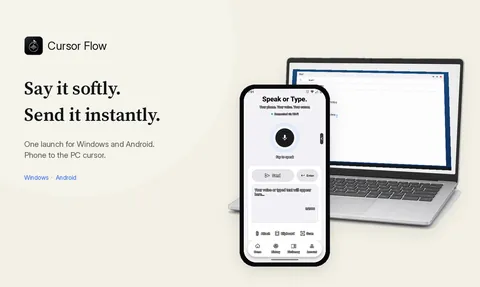
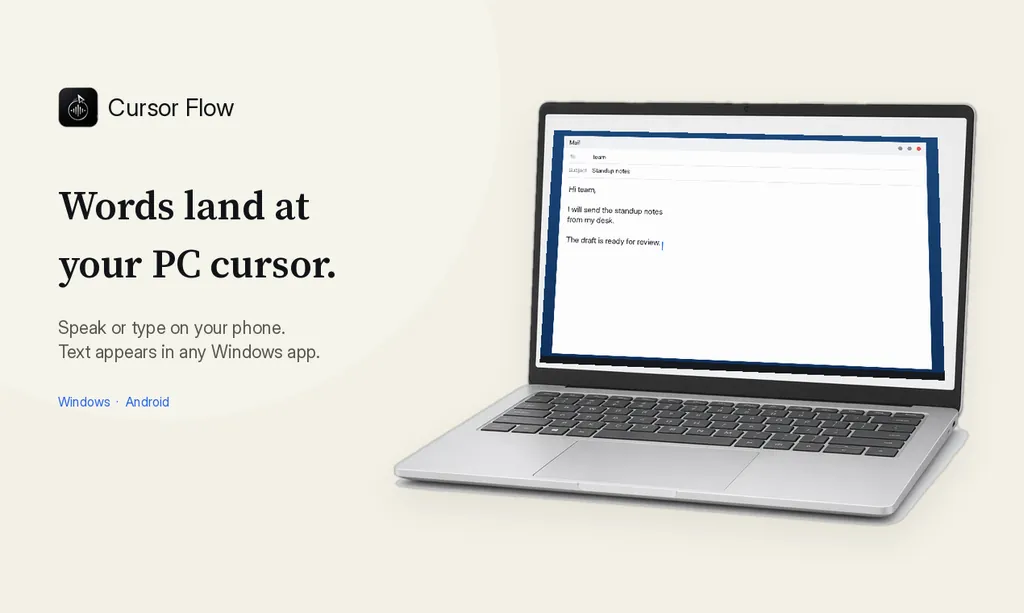
Cursor Flow can help with that last one. You speak softly into your phone and the text types at the cursor on your Windows PC, in any app, so the update lands straight in your chat, document or email. It types where your cursor is, as described on the direct cursor typing page, and it works in tools like Gmail, Notion and Google Docs.
Hybrid work communication best practices
Async updates work best inside a few simple team rules:
- One home for updates: Pick one channel or document, not five.
- Say the expected reply time: "FYI, no reply needed" or "need an answer by Thursday".
- Write for the person who missed the context: Spell out names, links and dates.
- Same rules for office and remote people: If in-office people decide things in the corridor, write a summary afterwards.
- Keep some live time: A short weekly call for open questions keeps relationships healthy.
What about speaking up in the meetings you keep?
Fewer meetings does not mean no meetings. For the ones that stay, a little preparation helps quieter people get heard. I wrote about that in how to speak up in meetings as an introvert. A good trick: post your main point in writing before the meeting, so you are not relying on finding a gap in the conversation.
Common mistakes
- Replacing a meeting with a longer document nobody reads. Keep it short.
- No deadline: Threads then drift for days.
- Using async for sensitive feedback: Talk live for anything personal.
- Expecting instant replies: That turns async into a slower meeting.
How to do this with Cursor Flow
- Install both apps. Get Cursor Flow for Windows and Android from the download page.
- Pair once. Open the phone app and scan the QR code shown on your PC. See pairing if you get stuck.
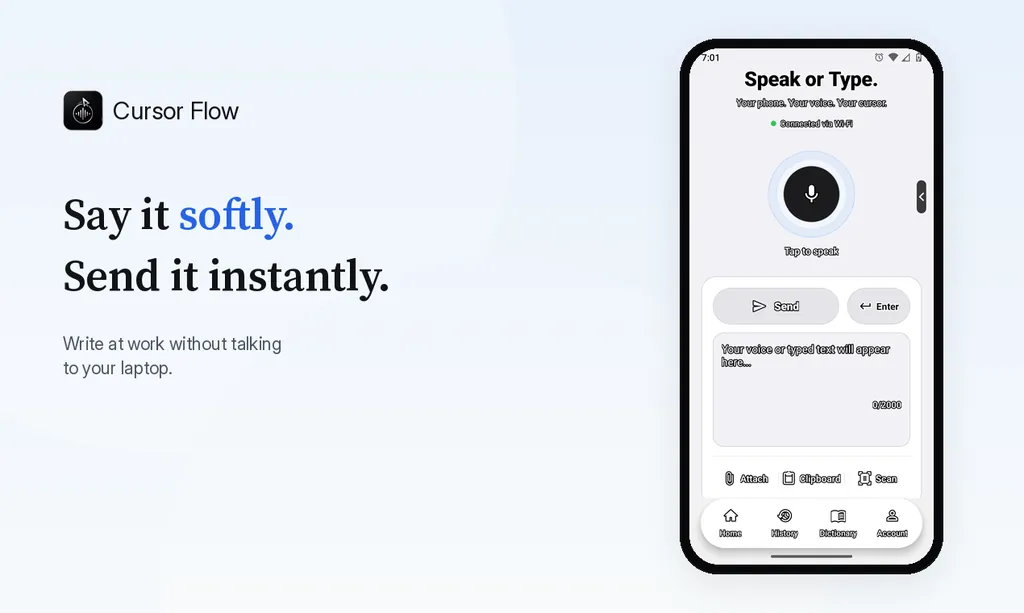
- Click into any text field, then speak or type. Speak softly into the phone held close, or type and tap Send. The words are typed at your PC cursor, in the app you already use.
The free plan includes 2,500 dictation words a week, typing on your phone into your PC cursor, phone-to-PC files, images and clipboard, and Scan. See pricing, how phone to PC works, and silent typing from your phone.
FAQ
What is an async update?
A written or recorded update that people read when it suits them, instead of hearing it live in a meeting. Examples are a weekly status post, a decision document or a short recorded walkthrough.
Which meetings should stay live?
Keep meetings for hard conversations, conflict, brainstorming with lots of back and forth, relationship building and urgent decisions. Pure status updates are the easiest to move async.
How do I suggest fewer meetings without upsetting my manager?
Propose a two to four week trial for one recurring meeting, with a clear template and a deadline for replies. Offer to review it together at the end.
Do async updates take longer to write?
At first, a little. With a fixed template most updates take five to ten minutes, which is usually less than a 30 minute meeting plus the time to get back into focus.
Is async communication good for introverts?
Often, yes. It gives people time to think before they respond and does not reward whoever talks first. It still needs clear deadlines so nothing stalls.
Write your updates faster
If typing updates is the slow part, download Cursor Flow and try speaking your first draft softly into your phone.
- 57languages
- 2,500free words a week
- Windows + Androidone paired workflow